Error Handling and Observability for Vibe-Coded Apps
AI agents write the happy path and skip errors, logging, and monitoring — so in production you can't see what's breaking. The observability checklist for vibe coding.
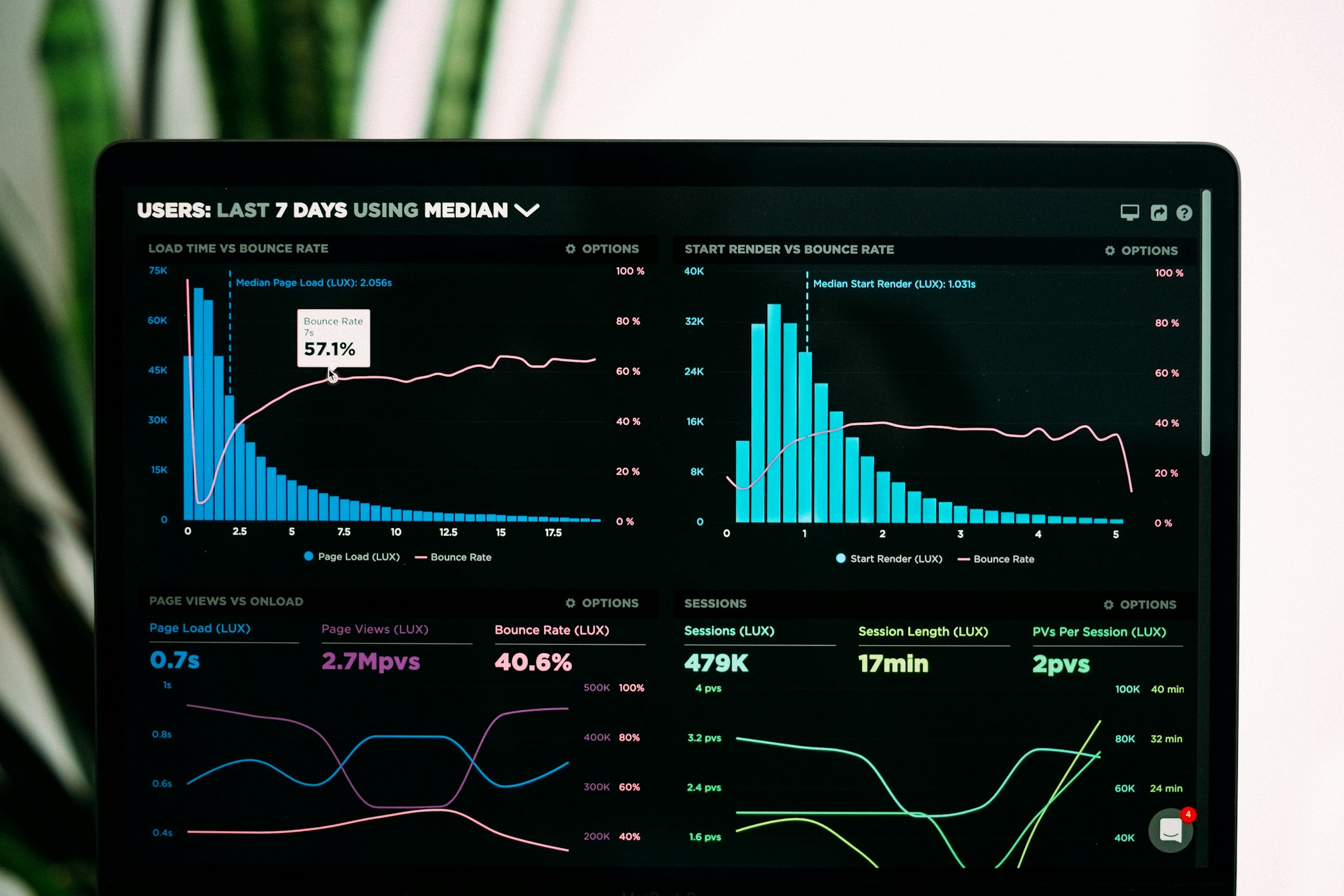
The short answer: AI agents write the happy path and quietly skip the rest — error states, logging, monitoring. The code demos perfectly, then fails in production with no trace of why, because nothing recorded the failure. The rule that fixes it: you can't debug what you can't observe. Handle and surface errors instead of swallowing them, log with context, and wire in error tracking, health checks, and alerting before you launch — not after the first outage.
An agent's job, as it understands it, is to make the thing work. So it writes the code for when things go right and stops there. The request succeeds, the data is there, the user is logged in. What it almost never writes unprompted is the other half of real software: what happens when the API times out, the input is malformed, the third party is down, or the database connection drops. That half is invisible in the demo and the entire story in production.
The happy path is a trap
The most common shape I see from a generated code is the empty catch. The agent knows a call can throw, so it dutifully wraps it — and then does nothing with the error, because "handle the error" wasn't in the prompt. The result is worse than no try/catch at all: the failure is now actively hidden.
Notice what changed. The error is no longer swallowed: it's logged with the context you'd need to reproduce it, reported to an error tracker, and re-thrown so the UI can render an actual error state instead of a silent blank. The happy path still works exactly the same. The difference only shows up on the day something breaks — which is the only day it matters.
Structured logging, with context
A log line that says "error" is almost useless. A log line that says which operation failed, for which user, with which input, on which request, is a debugging session you didn't have to run. Log as structured data — objects, not string concatenation — so you can actually search and filter later.
The test for a good log line: when this fires in production at 2am, does it tell you what broke, for whom, and where to look — without you having to reproduce it? If not, add the context now. A request id that threads through every log for a single request is the single highest-leverage field you can add; it turns scattered lines into a story.
Wire in error tracking before you launch, not after
Agents never add an error tracker unless asked, and "after launch" always means "after the first outage you couldn't explain." Add one while you're still building — Sentry, or whatever your stack prefers — so that an unhandled exception anywhere becomes a grouped, alertable event with a stack trace and the context you attached, instead of a support ticket that says "it's broken." The setup is minutes. The alternative is debugging blind against a bug you can't see.
Health checks and alerting
Monitoring is the half of observability that tells you there's a problem before your users do. Two cheap pieces cover most of it:
- A health check endpoint — a
/healthroute that verifies the app can actually reach its database and critical dependencies, not just that the process is up. A load balancer or uptime monitor hits it and tells you the moment it goes red. - Alerting on the signals that matter — error rate spiking, latency climbing, the health check failing, a queue backing up. You don't need a wall of dashboards; you need to be told when something crosses a line, on a channel you'll actually see.
The goal isn't to watch graphs all day. It's to be the first to know, not the last.
Users get a message, servers get the detail
There's a split that matters here, and it ties straight into security: the user sees a clear, generic message; the server logs get everything. A stack trace or raw database error returned to the browser is a free map of your internals for an attacker — the exact thing a security review flags. So return "Something went wrong, please try again" to the user, give them a way to recover, and log the full error, stack, and context server-side where only you can see it. Meaningful to the user, detailed for you, nothing leaked to anyone else.
Use agents and skills deliberately
This is a place where pointing a specialist agent at a generalist agent's output pays off directly. An api-and-interface-design skill will make your error contract deliberate — consistent, non-leaky error responses and status codes instead of raw exceptions escaping to the client. A security-and-hardening skill catches the leaked-internals-in-errors case specifically. And when something does break despite all this, the method matters more than the panic: a repeatable approach beats guessing every time, which is the whole argument in how to debug anything — and when the bug is a production-only mystery, observability is exactly what turns it from a three-day hunt into a one-line fix. You can't debug what you can't observe; a review agent's job here is to make sure you can.
This is one of the vibe-coding deep-dives — start from the vibe-coding precautions overview.
The vibe-coding series
Things to keep in mind while building with AI agents — this post is one part of the full checklist.
- Start here: the precautions overview
- Architecture for your user count
- Choosing a backend
- Security & networking
- Frontend precautions
- Spec & prompt discipline
- Reviewing AI-generated code
- Testing & verification
- Dependency safety
- Data & database precautions
- Cost control
- Keeping it maintainable
- Deployment & platform choice
Frequently asked questions
Why does AI-generated code fail silently in production?
Because agents optimize for the happy path. They write code that works when everything goes right and skip error handling, logging, and monitoring — often wrapping risky calls in an empty catch that swallows the failure. In production the error still happens, but nothing records it, so you get a broken feature with no trace of why.
What is the difference between logging and monitoring?
Logging records what happened — structured events with context you can search after the fact. Monitoring watches those signals live and tells you when something is wrong: error rates, latency, failed health checks. Logging is how you debug an incident; monitoring is how you find out there is one before your users do.
What should an error message show the user versus the logs?
The user gets a clear, generic message and a way to recover — never a stack trace or internal detail, which leaks your system to attackers. The server logs get everything: the full error, the stack, and the context (user id, request id, inputs) you need to reproduce and fix it.


